参考文章和视频:
UE5 – EnhancedInput(增强输入系统)
UE5虚幻引擎C++【第一期】使用增强输入系统
UE5使用了新的输入系统:增强输入系统
原系统的缺点:
- 实现的是基础简单的功能,想要复杂的输入机制就需要在User层做更多的工作。
- 过于简陋,需自己实现众多行为。例如按住、双击、联合输入等都需要用户自己实现。
增强输入系统:
它以模块化的方式解耦了从输入的按键配置到事件处理的逻辑处理过程,通过提供输入动作(UInputAction)、输入修改器(UInputModifier)、输入触发器(UInputTrigger)和输入映射环境(UInputMappingContext)这些可组合功能,在新的增强玩家输入(UEnhancedPlayerInput)和增强输入组件( UEnhancedInputComponent)的配合下提供了更灵活和更便利的输入配置和处理功能。
1
2
3
4
| PublicDependencyModuleNames.AddRange(new string[]
{
"EnhancedInput"
});
|
2. 在UEC++中创建相应的变量
在xxxxcharacter.h中进行配置(自己的character中进行配置)
这里的UInputAction可以设置多个,因为我设置了一个键盘按键,所以只使用了一个
1
2
3
4
5
6
7
8
9
10
11
|
virtual void SetupPlayerInputComponent(class UInputComponent* PlayerInputComponent) override;
UPROPERTY(EditAnywhere, BlueprintReadWrite, Category = "Input")
TObjectPtr<UInputMappingContext> InputMappingContext;
UPROPERTY(EditAnywhere, BlueprintReadWrite, Category = "Input")
TObjectPtr<UInputAction> StartMove;
|
创建后运行,打开相应的character蓝图细节,出现右侧的部分即为设置成功
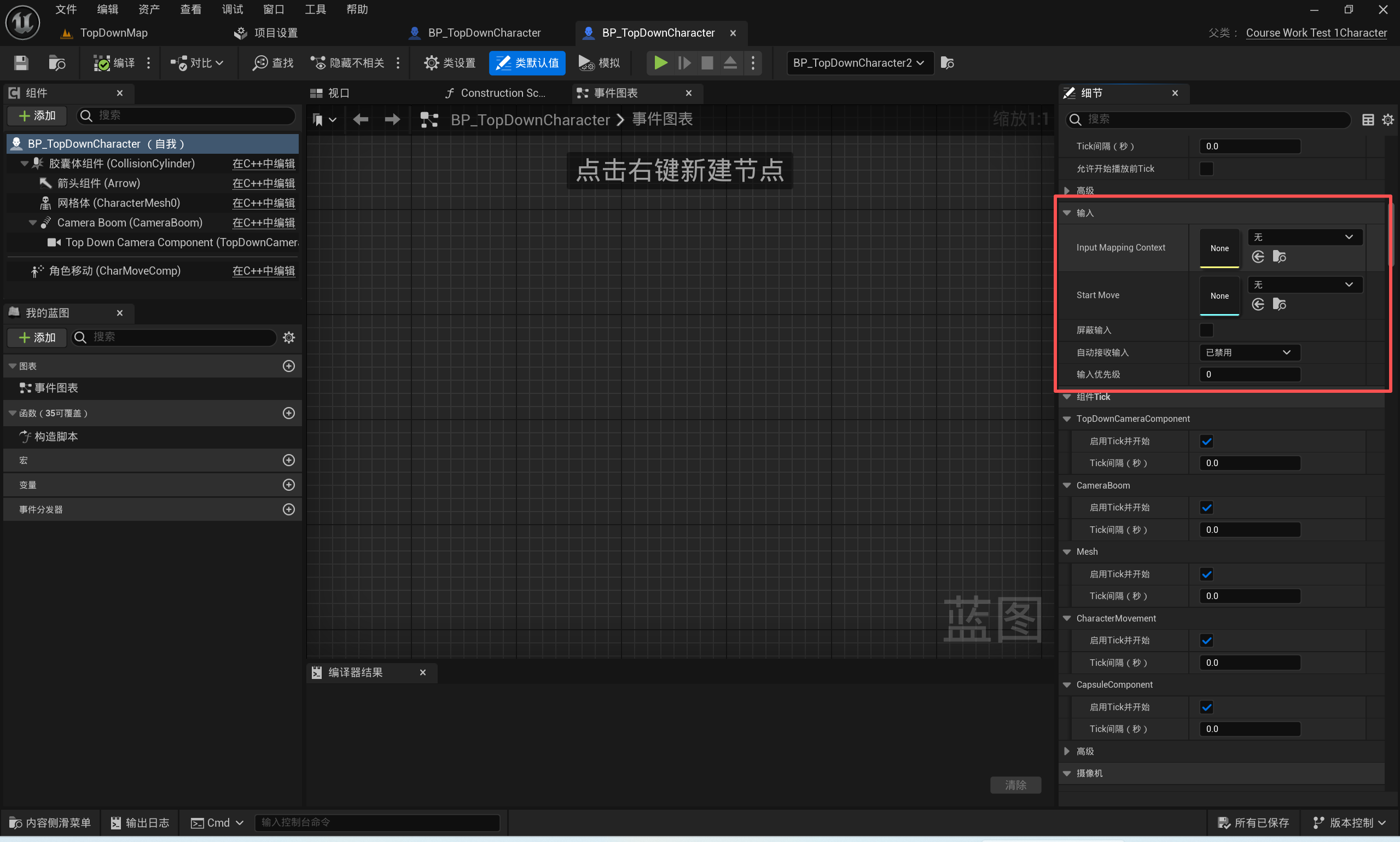
3. 在蓝图中创建对应的映射文件
配置文件为:InputMappingContext和InputAction
创建文件如下
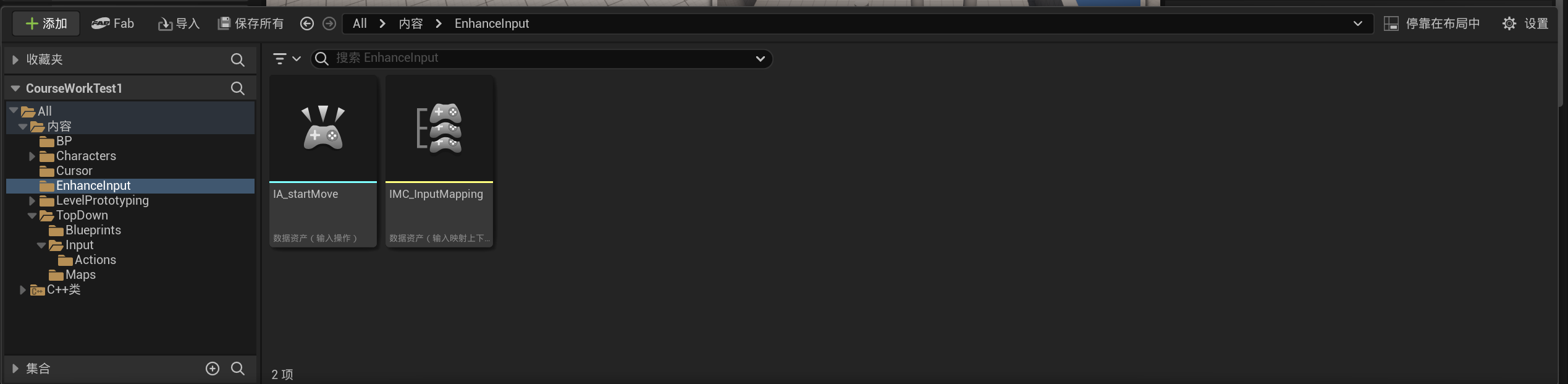
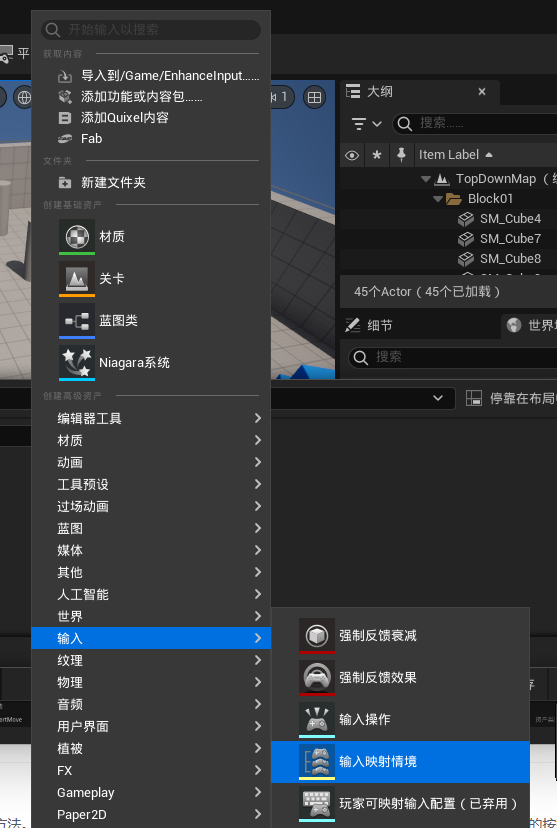
新建输入映射情景(InputMappingContext)
命名为IMC_InputMapping,并进行一下配置
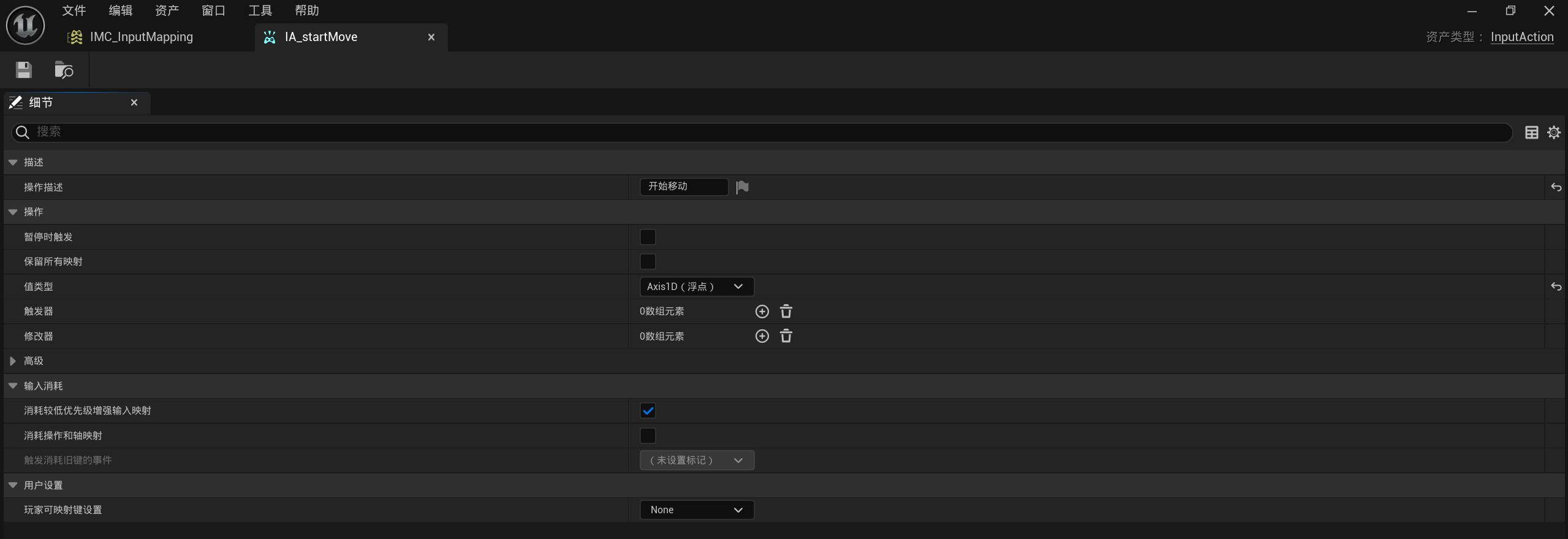
命名为IA_startMove,并进行一下配置
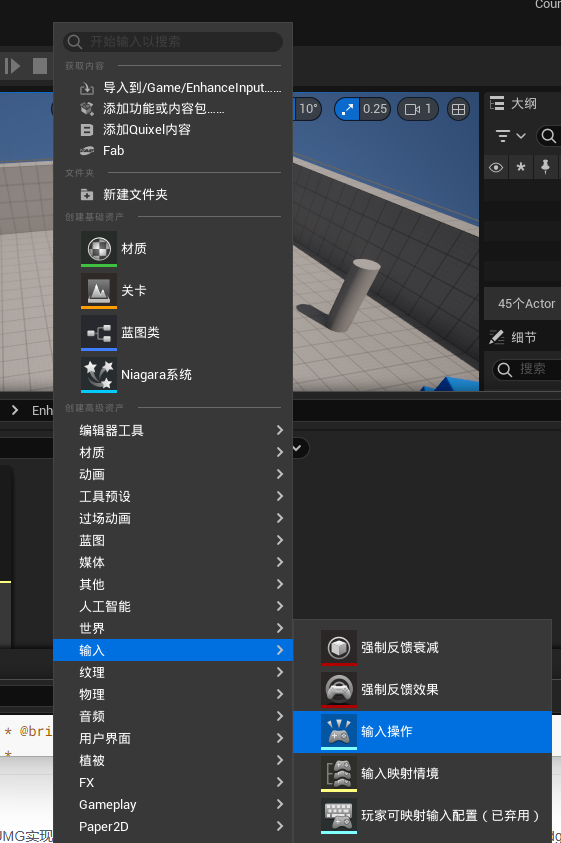
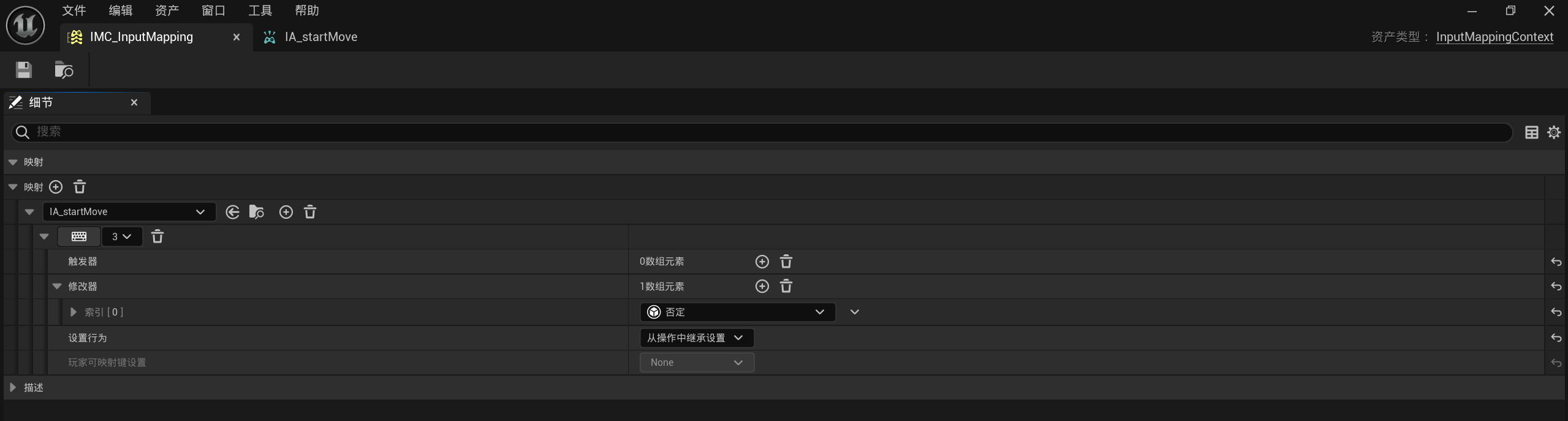
创建好后回到character的细节中,设置UEC++中设置好的变量

4. 返回UEC++设置配置函数
配置函数设置在xxxcharacter.cpp中
配置的详细解释都在注释中
1
2
3
4
5
6
7
8
9
10
11
12
13
14
15
16
17
18
19
20
21
22
23
24
25
26
27
28
29
30
31
32
33
34
35
36
37
38
39
40
41
42
43
44
45
46
|
void ACourseWorkTest1Character::SetupPlayerInputComponent(class UInputComponent* PlayerInputComponent)
{
Super::SetupPlayerInputComponent(PlayerInputComponent);
if (APlayerController* PlayerController = Cast<APlayerController>(GetController()))
{
if (UEnhancedInputLocalPlayerSubsystem* Subsystem =
ULocalPlayer::GetSubsystem<UEnhancedInputLocalPlayerSubsystem>(PlayerController->GetLocalPlayer()))
{
Subsystem -> AddMappingContext(InputMappingContext, 0);
}
if (UEnhancedInputComponent* EnhancedInputComponent = CastChecked<UEnhancedInputComponent>(PlayerInputComponent))
{
EnhancedInputComponent->BindAction(StartMove, ETriggerEvent::Triggered, this, &ACourseWorkTest1Character::MoveBySpline);
}
}
}
|